
Freemium
AI-enhanced photo editing with background removal and enhancements.

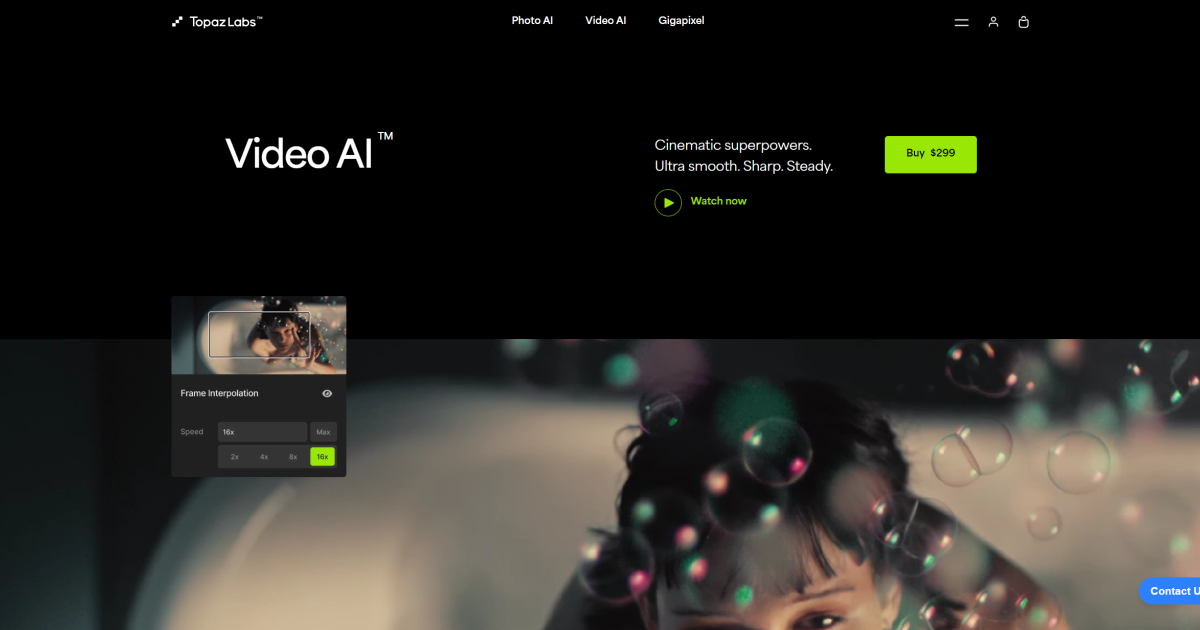
Taking a look at the all-new Video AI from Topaz Labs. Available for macOS and Windows, Video AI can upscale lo-res videos to hi-res (eg, 480 to 1080, 1080 to 4K), create slow motion footage, and improve overall video clarity, sharpness and detail.
💌 Subscribe for more tutorials, updates, and other cool stuff in your inbox
https://www.todddominey.com/
📕 CHAPTERS
0:00 - Intro
0:38 - What it can do
4:15 - Creating previews
6:32 - Custom settings
8:32 - More examples
9:11 - Worth buying?
📦 PRODUCTS FEATURED
Topaz Labs Video AI - Download free trial here:
https://www.topazlabs.com/topaz-video-ai/ref/1113/
My first review of Video AI: https://youtu.be/qhc3I9AC63Q
Blog post: http://bit.ly/3i5lsFn
Disclaimer: This video is not paid for or sponsored. I paid for Video AI with my own money. Any and all opinions are my own.
🎵 MUSIC AND SFX
Music and SFX from Epidemic Sound. Sign up for a 30-day free trial here:
https://epidemicsound.com/referral/p96f5e
🎤 GEAR USED FOR THIS VIDEO (AND OTHER RECENT ONES)
Canon C-Log Rec.709 LUTs: https://dominey.gumroad.com/l/yqCnV
Camera: https://geni.us/x1qWvob
Lens: https://geni.us/DlD0
Monitor/Recorder: https://geni.us/lH7lITS
Microphone: https://geni.us/qmVjq63
Audio recorder: https://geni.us/ABAEu
Key light: https://geni.us/cElYW
Fill light: https://geni.us/sxel38
Complete gear list: https://kit.co/todddominey
🤝 CONNECT WITH ME
Glass: https://glass.photo/tdominey
Vero: https://vero.co/dominey
Instagram: https://instagram.com/dominey
Blog: https://www.todddominey.com
Email: dominey@gmail.com
LEGAL DISCLOSURE
Some of the links in this description will direct you to online stores where I may earn referral credits from qualifying purchases at no additional cost to you. If you want to shop and support this channel, you may also use the following storewide links.
🛒 Amazon: https://geni.us/gotoamazon
🛒 B&H: https://geni.us/shopbandh
🛒 Adorama: https://geni.us/shopadorama
AI-enhanced photo editing with background removal and enhancements.
Revolutionize digital content with seamless, high-quality AI face swaps.
Revolutionize design with AI-powered editing, intuitive controls, and high-res outputs.
Edit or generate consistent 4K images from text.
AI-driven image generation, editing, and infinite outpainting, with real-time processing.
Digitize, enhance, and animate old photos effortlessly with AI-powered precision.
Compare close alternatives to Topaz Video AI and discover the best fit for your workflow.
See all options in Best video editing AI Tools or browse the full AI Tools Directory.