DaVinci Resolve icon
DaVinci Resolve
Visit Tool →

DaVinci Resolve

9.9(1250)
1980 upvotesFreemium🔗 www.blackmagicdesign.com

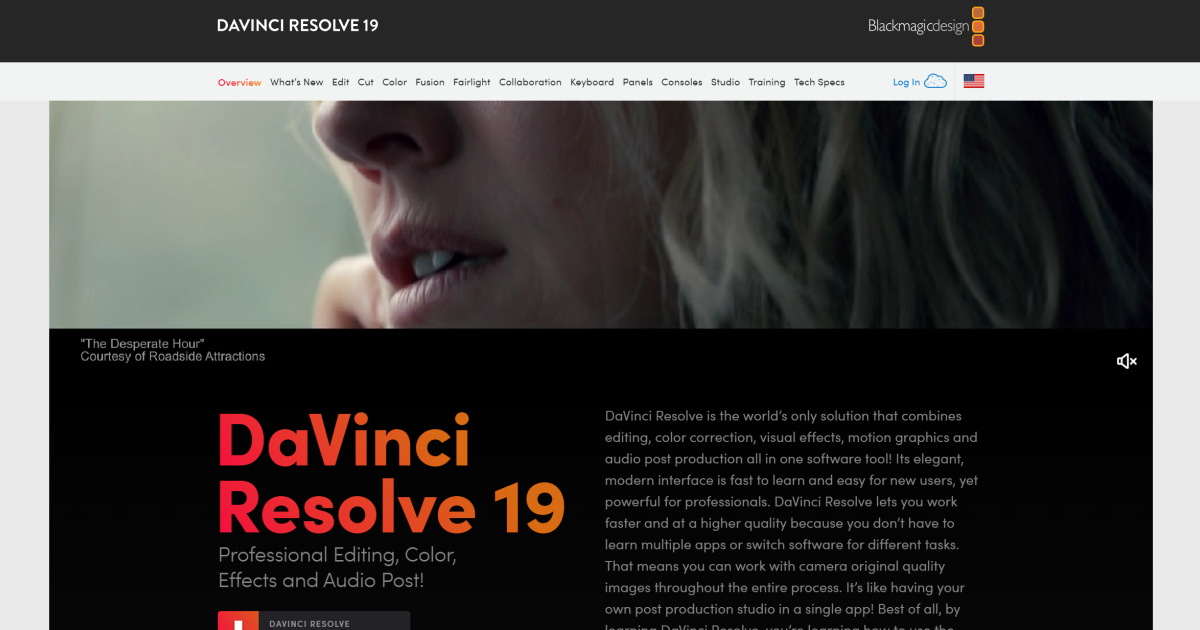
DaVinci Resolve 19 is not just any video editing software; it's a comprehensive suite designed for high-end film and television post-production. Combining editing, color correction, visual effects, motion graphics, and audio post-production all in one software tool, DaVinci Resolve simplifies the post-production process, allowing you to stay in one program from start to finish. Aimed at professionals in the industry as well as enthusiastic amateurs, its robust feature set is crafted to handle projects from large cinema productions to quick-paced television content.
Visit Tool →
DaVinci Resolve screenshot preview
Category
video editing
Verification
Community listing
Last updated
Jun 2026

What to know

Key features

  • Advanced HDR color grading and correction
  • Integrated Fairlight digital audio workstation
  • Fusion 2D and 3D visual effects compositing
  • AI-powered Magic Mask for object isolation
  • Automatic voice-to-text transcription and subtitling
  • Multi-cam editing and synchronization

Best for

  • Professional cinematic color grading for feature films
  • End-to-end video post-production for commercials
  • Creating complex visual effects and motion graphics
  • High-fidelity audio mixing and sound design
  • Fast-turnaround social media content creation

Pros

  • Industry-standard color grading tools
  • Generous free version with most professional features
  • Unified workflow eliminates need for round-tripping between apps

Cons

  • Steep learning curve for beginners
  • High system requirements for smooth 4K/8K playback
  • Some advanced AI features locked behind the Studio version

DaVinci Resolve FAQ

What is DaVinci Resolve used for?
DaVinci Resolve is commonly used for Professional cinematic color grading for feature films, End-to-end video post-production for commercials, Creating complex visual effects and motion graphics.
Is DaVinci Resolve free?
DaVinci Resolve offers a freemium pricing model.
How do I compare DaVinci Resolve with alternatives?
Review pricing, feature coverage, ratings, and similar tools on this page before visiting the product site.

Similar Tools

6 tools
Contact

AI-driven tool for precise audio separation and extraction.

Transform music tracks: isolate vocals, create instrumentals, AI-powered, batch processing.

Free Trial

Boost YouTube reach with AI-driven metadata optimization and analytics.

Freemium

Royalty-free music tailored to creators’ vision instantly.

Freemium

Unlock AI tools instantly, browser-based, no installs needed.

Contact

AI-enhanced photo, video editing; local, secure processing.